Lightroom presets by Stills Shooter
Presets
The colour from my photos, in five looks for Lightroom. One click, then make it yours.
Instant download · Lightroom desktop + mobile · Secure checkout
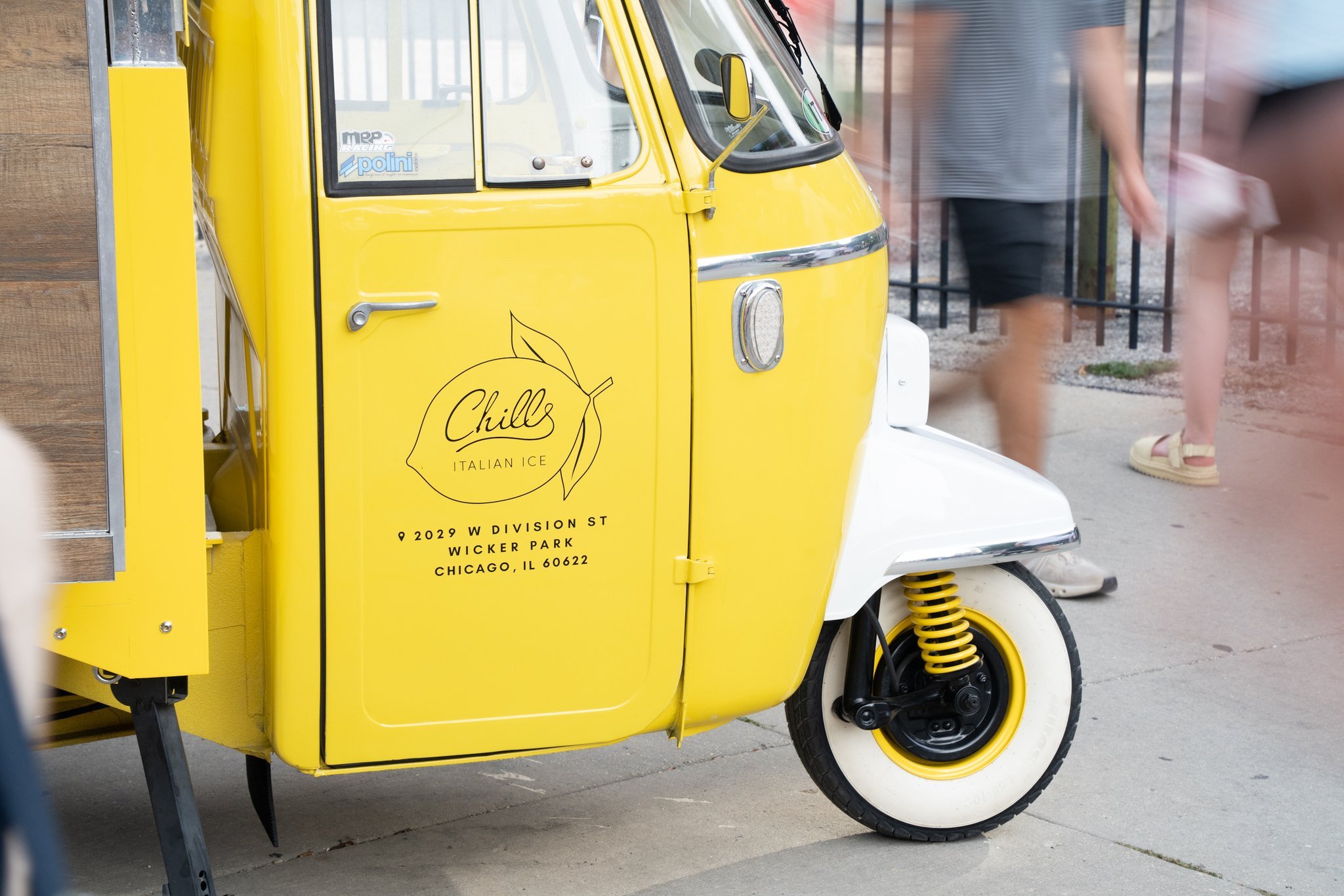
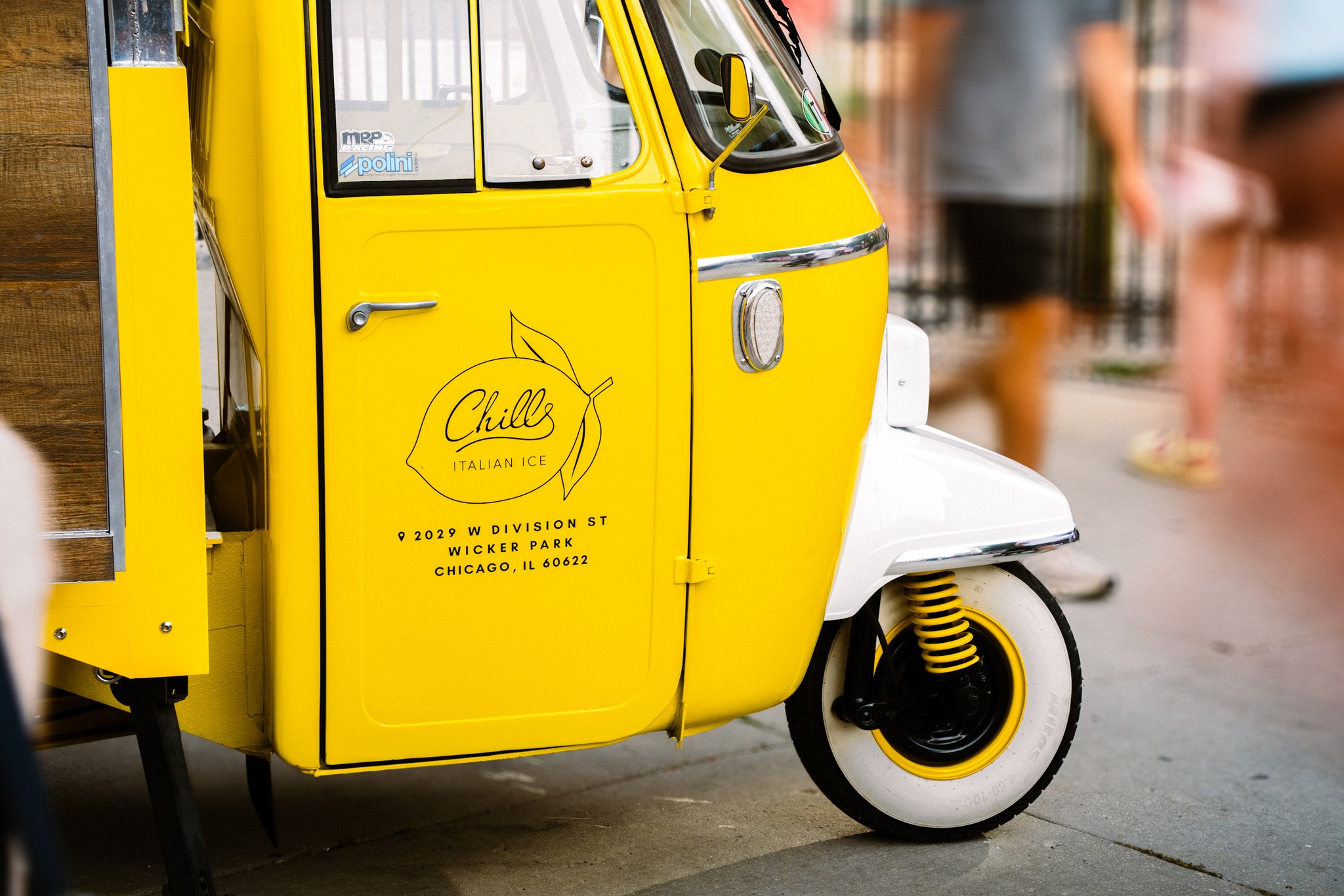
Drag across the photo: before and after Classic.
Five looks
Tap a look, then drag across the photo to see the before and after. Every one is made on my camera's RAW files.
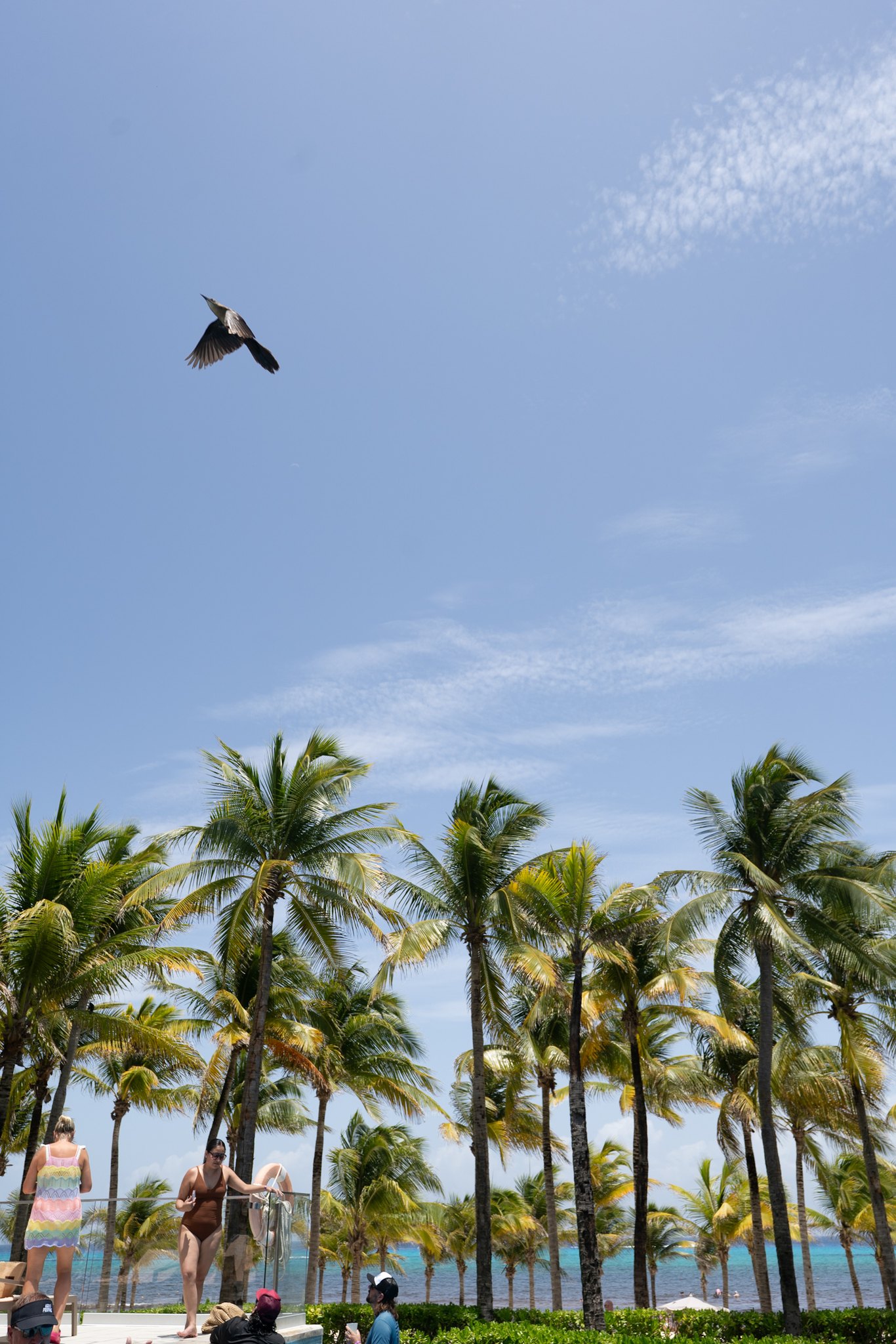
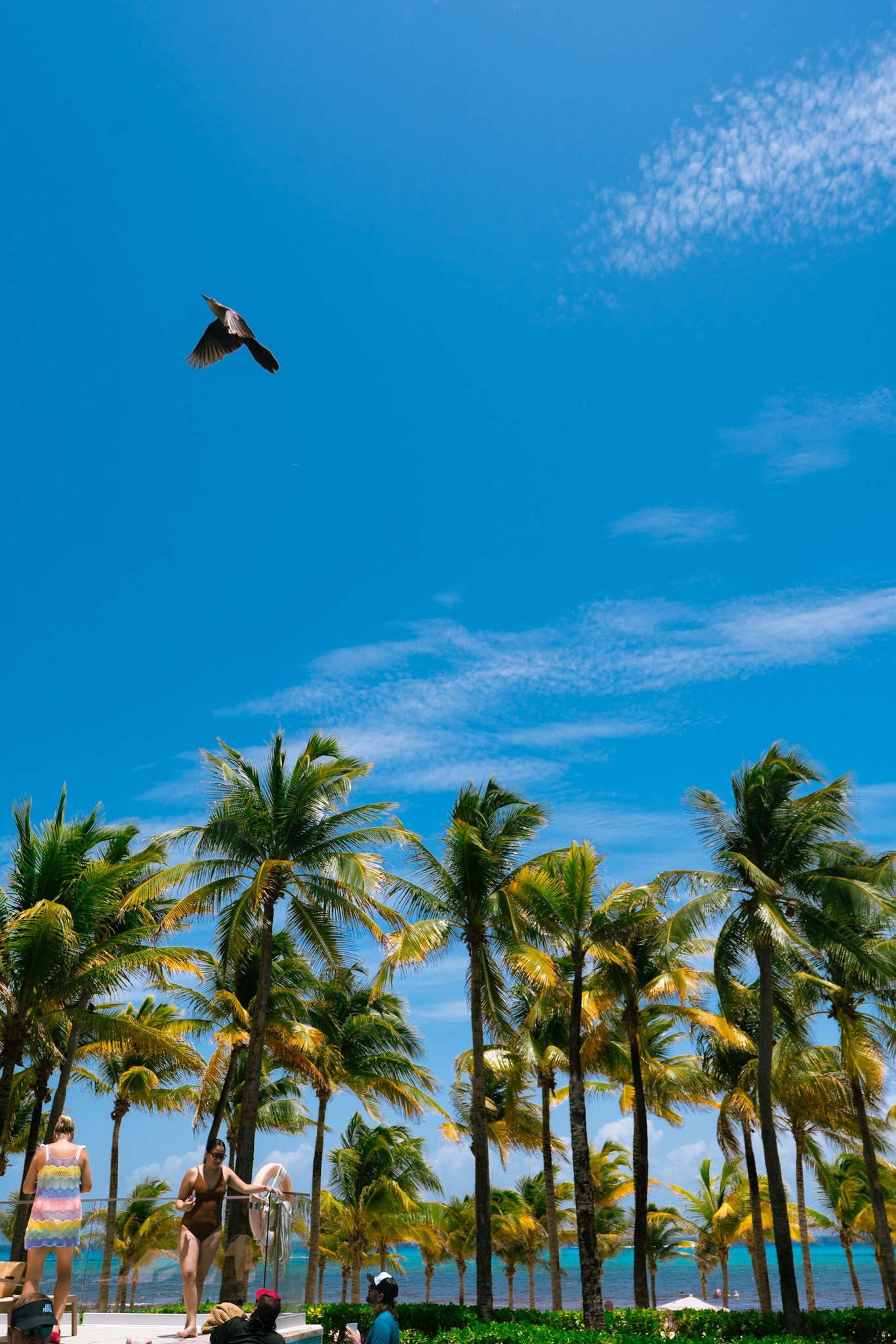
Tropic. Built for sunny days and travel. Deep cobalt skies, clean turquoise water and bright, saturated colour.
Phone or computer
Lightroom desktop or the free mobile app, on any camera: RAW, JPEG or iPhone.
Apply, then Auto
Tap the look, then hit Auto. Lightroom fixes the exposure for your photo and the colour stays baked in.
Yours right away
Download link on screen and in your email the moment you check out.
Questions
Something else? Email me.
What do I need?
Lightroom on a computer, or the free Lightroom mobile app on your phone. No subscription needed on mobile.
Will my photos look exactly like yours?
Close, and one tap gets you there. Apply the look, then hit Auto in Lightroom's Light panel (Edit → Auto on mobile). Auto sets exposure, contrast, highlights and shadows for your photo, and the colour stays baked in. Tweak from there if you like.
Can I use them for client work?
Yes, on any photos you take. Just don't share or resell the preset files.
Refunds?
Presets download instantly, so sales are final. If something doesn't work, email me and I'll make it right.
Will they work on my photos?
Yes. Each look is tuned to hold up across light: sun, shade, night, skin and skies. Use the Amount slider in Lightroom to dial any look up or down.
Edit less.
Shoot more.
Instant download · Lightroom desktop + mobile · Secure checkout
Use on any photos you take, personal or paid. Don't share or resell the preset files.